Create Your Design Using Construction Software Hassle-Free
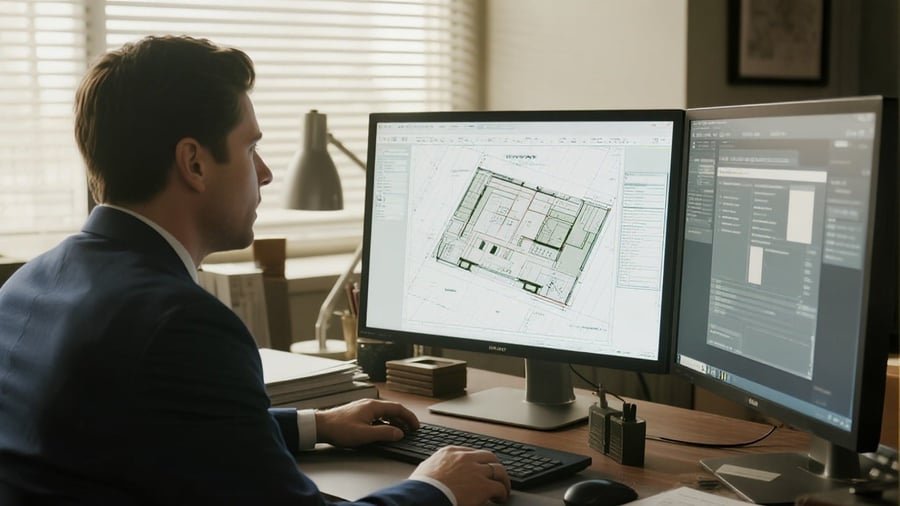
Creating a design in construction no longer requires only paper and talent. With the rapid evolution of technology, construction software is transforming how designs are created. This article explores various aspects of construction software, its benefits, and practical tips on how to effectively use these tools to revolutionize your design process. Let's delve into essential questions that might be on your mind: What types of construction software are available? How do these tools enhance collaboration? Can beginners easily learn these applications? What specific design features should you consider when selecting a software?
Understanding Construction Software: A Range of Tools
Construction software falls into multiple categories, which can cater to different needs. These include design software, project management tools, and BIM (Building Information Modeling) applications. Industry giants like AutoCAD and Revit are well known, offering powerful features for detailed architectural designs and structures.
For perspective, according to a recent study, 64% of construction professionals reported that adopting design software significantly improved their projects' accuracy. In addition to the traditional heavyweights, there are emerging tools like SketchUp, which is user-friendly and perfect for beginners, and Chief Architect, tailored for residential design. Each tool has its strengths and serves specific purposes. Knowing what you need can streamline your search for the right software.
Collaboration and Communication: Key Benefits
One of the standout benefits of using construction software is enhanced collaboration. Most modern software allows multiple stakeholders, from architects to subcontractors, to access and edit designs in real-time. This significantly reduces the chances of miscommunication and errors.
Think about it — when everyone is on the same platform, feedback can be immediate. For example, a contractor can quickly note a design flaw and suggest edits, enabling rapid iteration. According to surveys, teams who collaborate digitally report up to a 30% increase in productivity. Additionally, cloud-based platforms make updates accessible from anywhere, ensuring all team members are always on the same page.
Ease of use: Catering to Beginners and Experts Alike
Many construction software programs come with intuitive interfaces that are not as daunting for beginners as one might think. Companies understand that users range from seasoned architects to those new to the industry. For instance, SketchUp offers extensive resources, including tutorials and community forums, making it easier for novices to get started and feel competent.
Moreover, as you gain experience, these tools allow you to explore advanced features. This adaptability gives users the confidence to progress and refine their skills over time. Adopting software that grows with you can ultimately save time and money — an enticing prospect for anyone looking to improve their design capabilities.
Consider Important Design Features
When evaluating construction software, it’s crucial to consider specific features that align with your design needs. Look for tools offering 3D modeling capabilities, which can provide immersive insights into your project. Performance analysis features can also be beneficial, helping you assess how design choices affect energy efficiency and usability.
Additionally, check for libraries of pre-designed components that can be customized. For example, software like ArchiCAD includes functionality that allows users to drag and drop elements directly into their projects, greatly speeding up the design process. Finally, don't overlook integration capabilities; software that works seamlessly with other tools can enhance your overall efficiency.
Recommendations for Effectively Utilizing Construction Software
To make the most out of construction software, it's advisable to start small. Focus on becoming proficient with a few basic features before diving into more complex functionalities. Practice is key to building confidence and expertise, so consider working on personal projects or collaborating with colleagues on small tasks.
Also, take advantage of available resources. Many companies provide webinars, tutorials, and online courses that can guide users through the software's capabilities. Engaging in online communities can also be valuable, as you can share tips and insights or ask questions when you're facing a challenge. Continuous learning will set you apart in an ever-evolving industry.
Lastly, always seek feedback from peers. They can provide perspectives that can enhance your design, potentially revealing options you may not have considered.
Construction software can fundamentally change how designs are conceptualized and executed, making them more efficient and collaborative. By understanding the different available software options and their unique strengths, professionals can select the right tools to suit their needs. Emphasizing collaboration promotes better communication among team members and ensures everyone contributes effectively. The right design features will make the process smoother, while strategies for utilizing the software enhance learning and growth. In a rapidly changing industry, leveraging construction software is not just a trend; it’s essential for success.